Type
Label materials, rooms, parts, and instructions directly on the drawing.
Type adds editable drawing labels using Space's embedded architectural lettering. Text remains a canvas object that can be moved, grouped, styled, and rotated.
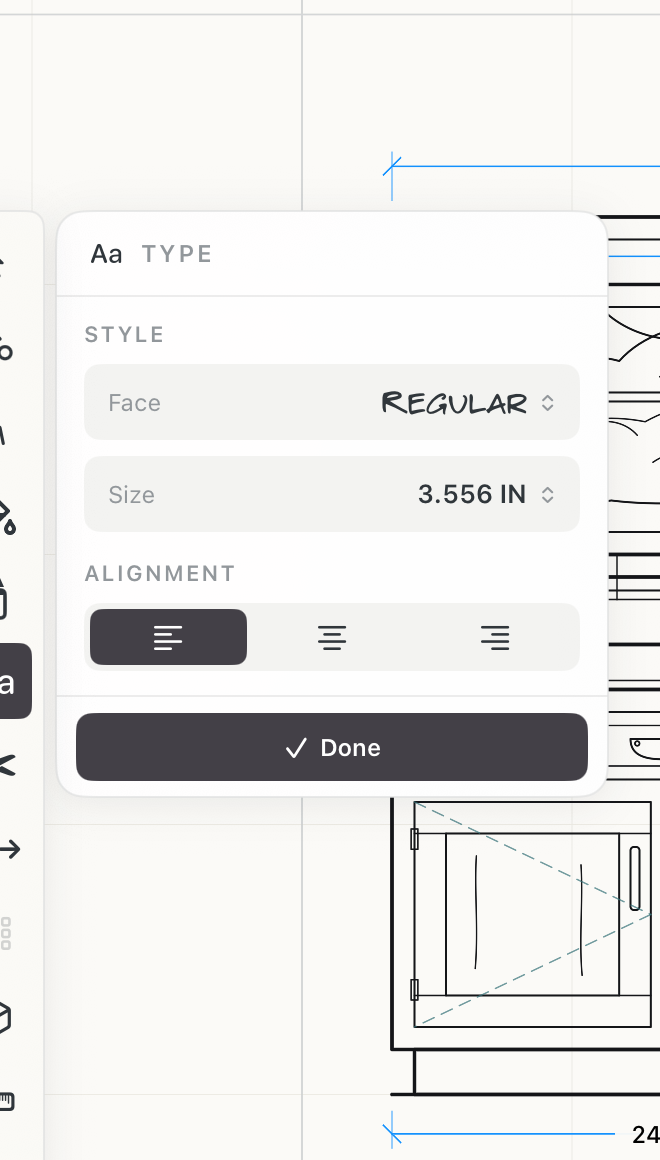 Text settings
How to use
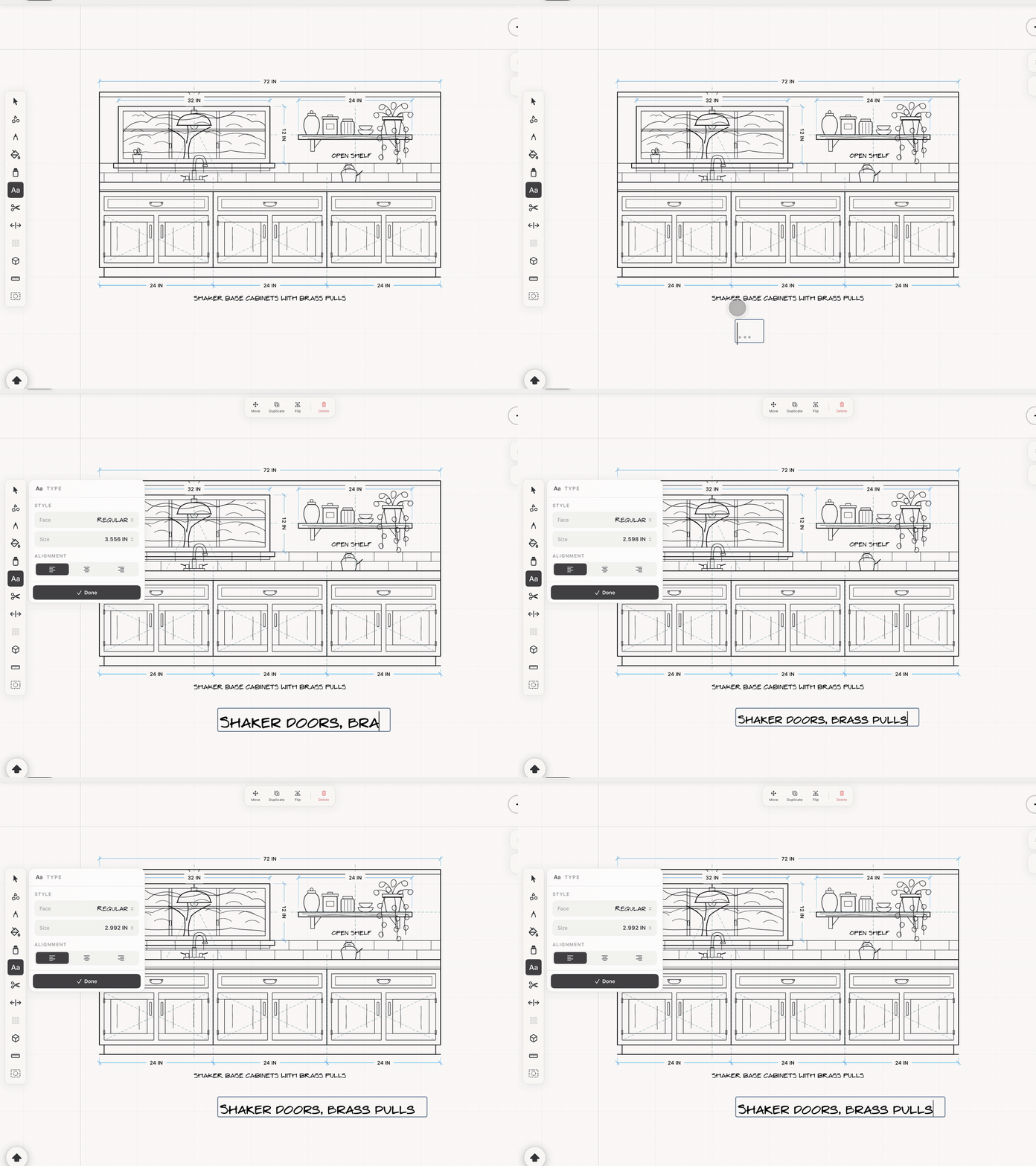
- Choose Type and click or tap an empty point to begin a label.
- Use the floating text panel to choose Regular, Italic, or Ruled lettering, adjust size, and set left, center, or right alignment.
- Press Return on the software or hardware keyboard to add another line.
- Double-tap existing text with Select to edit it again. Use the selection rotation handle to set its angle.
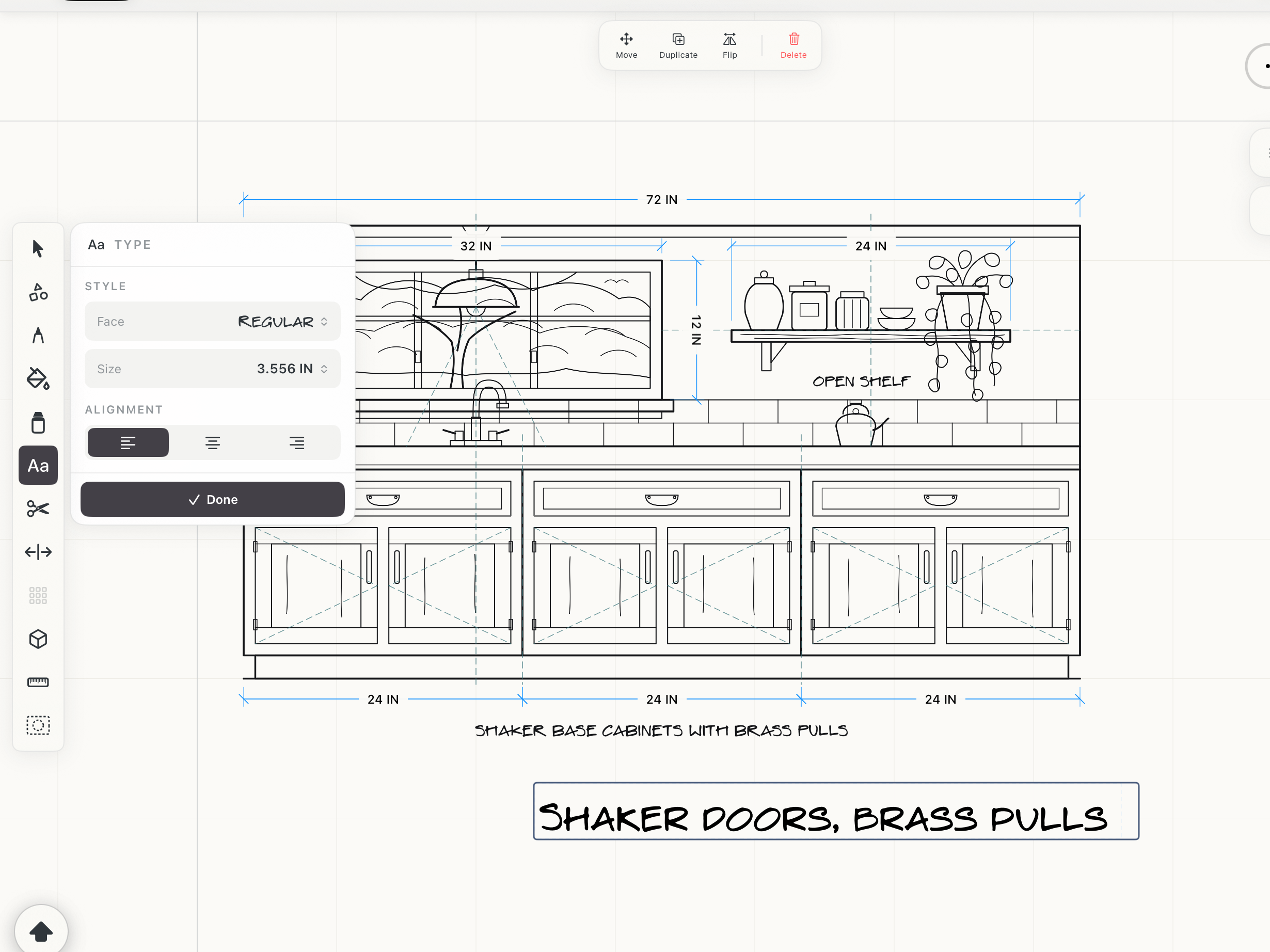 Text on the canvas
See it in use
Tips
- Use Ruled lettering for notes that need a guide line and Italic for secondary information.
- Group a label with the object it describes when they should move together.
- Rotate labels to follow walls, parts, or angled details.