Select
Choose objects so you can move, resize, rotate, group, duplicate, or restyle them.
Use Select to work with individual strokes, shapes, guides, measurements, images, or groups.
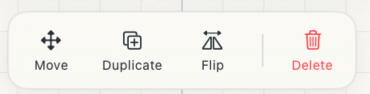 Actions for one selected object
How to use
- Tap or click an object to select it. Drawing objects receive priority when guides or measurements overlap.
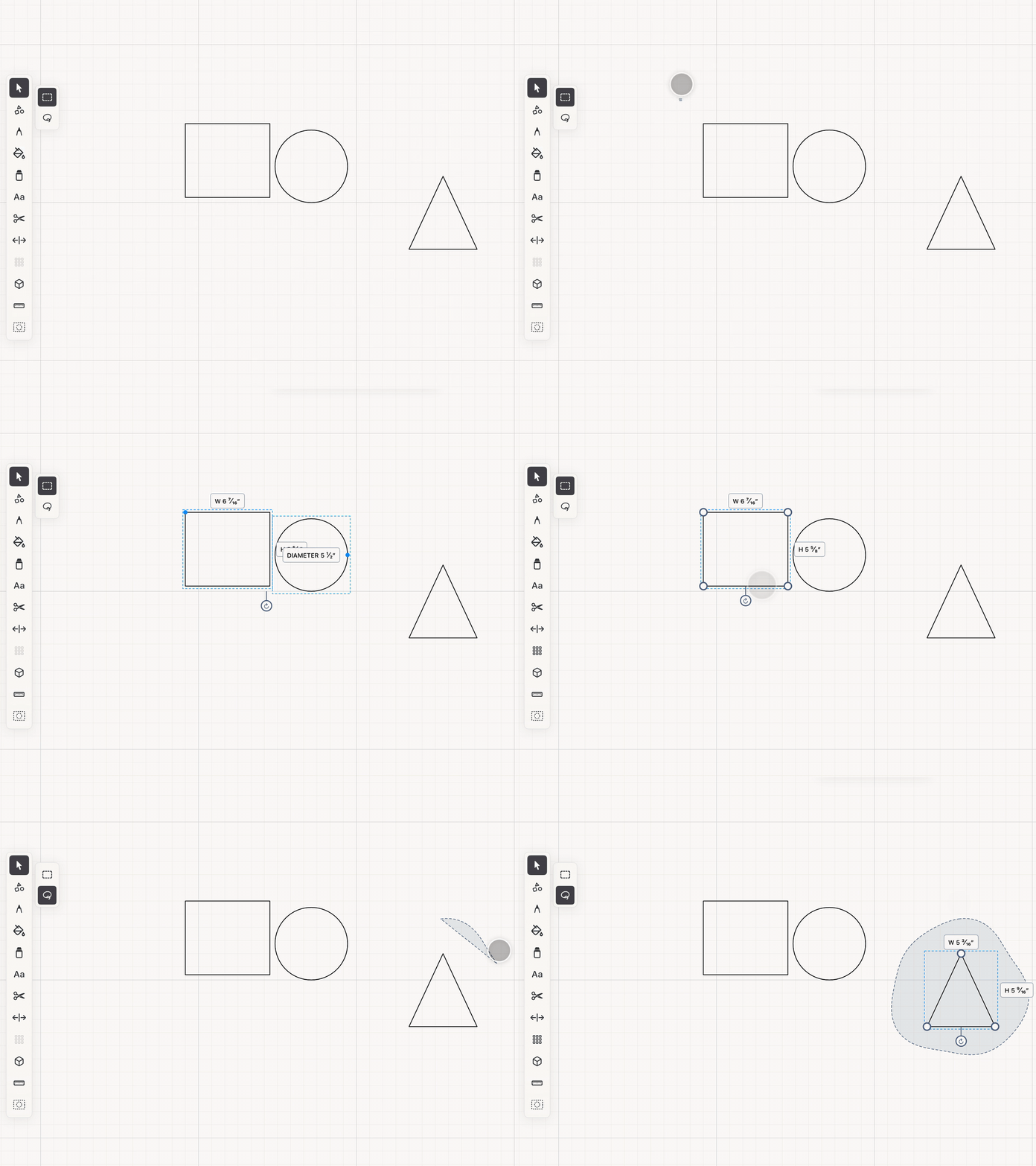
- Drag an empty part of the canvas in Box mode to select every object touched by the marquee. Switch to Lasso for an irregular selection area.
- Hold Shift, or the floating Shift button on iPad, to add or remove objects from the current selection.
- Drag a selected object to move it. Hold Shift while dragging to leave a duplicate at the original position.
See it in use
Tips
- Use Box selection for a compact group of objects and Lasso when the objects are mixed with nearby work.
- Hold Shift while dragging when you need a copy in a new position.
- Group related objects when you want to move and resize them together.