Highlighter
Call attention to an area without covering the drawing underneath.
Use Highlighter for review notes, changed areas, and temporary emphasis. Its transparent stroke keeps the original drawing readable.
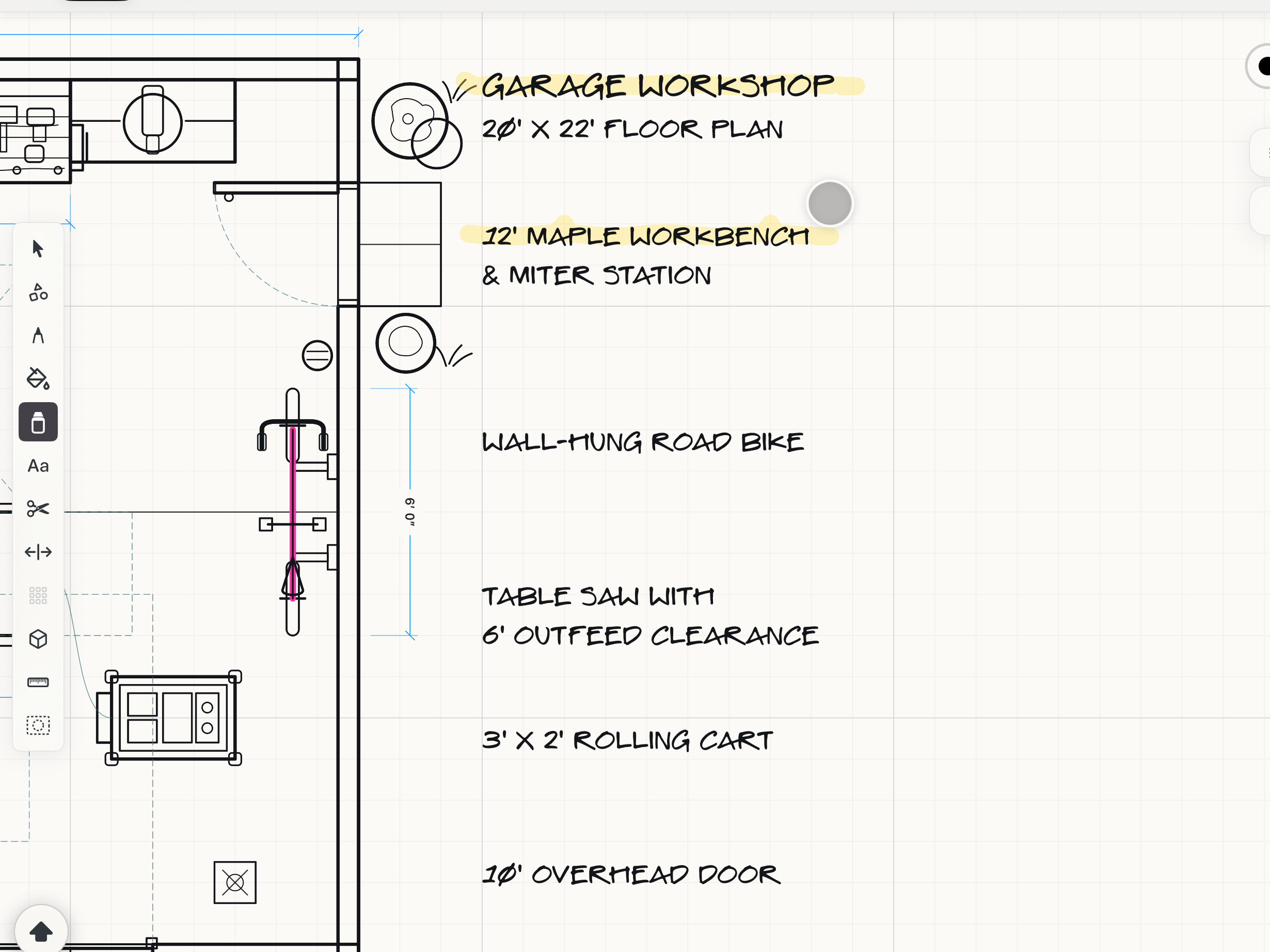 A highlight on the canvas
How to use
- Choose Highlighter, then set color and width from the style controls.
- Draw freely or enable the same snapping sources used by other drawing tools.
- Hold Shift before the stroke to constrain it along the direction established at the start.
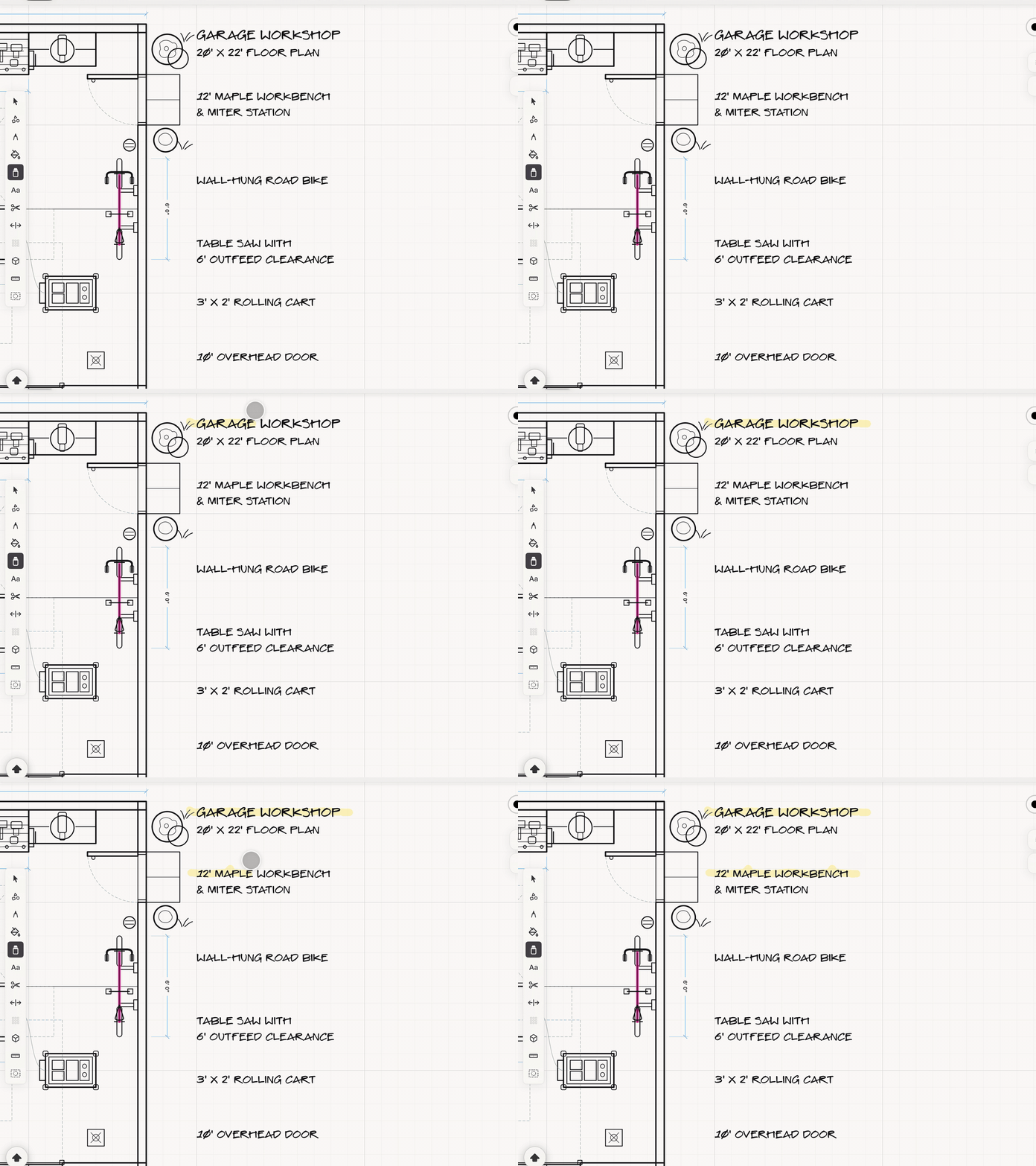
See it in use
Tips
- Use different colors to separate review rounds, trades, or responsibility.
- Restyle or remove highlights after the underlying work is approved.