Trim
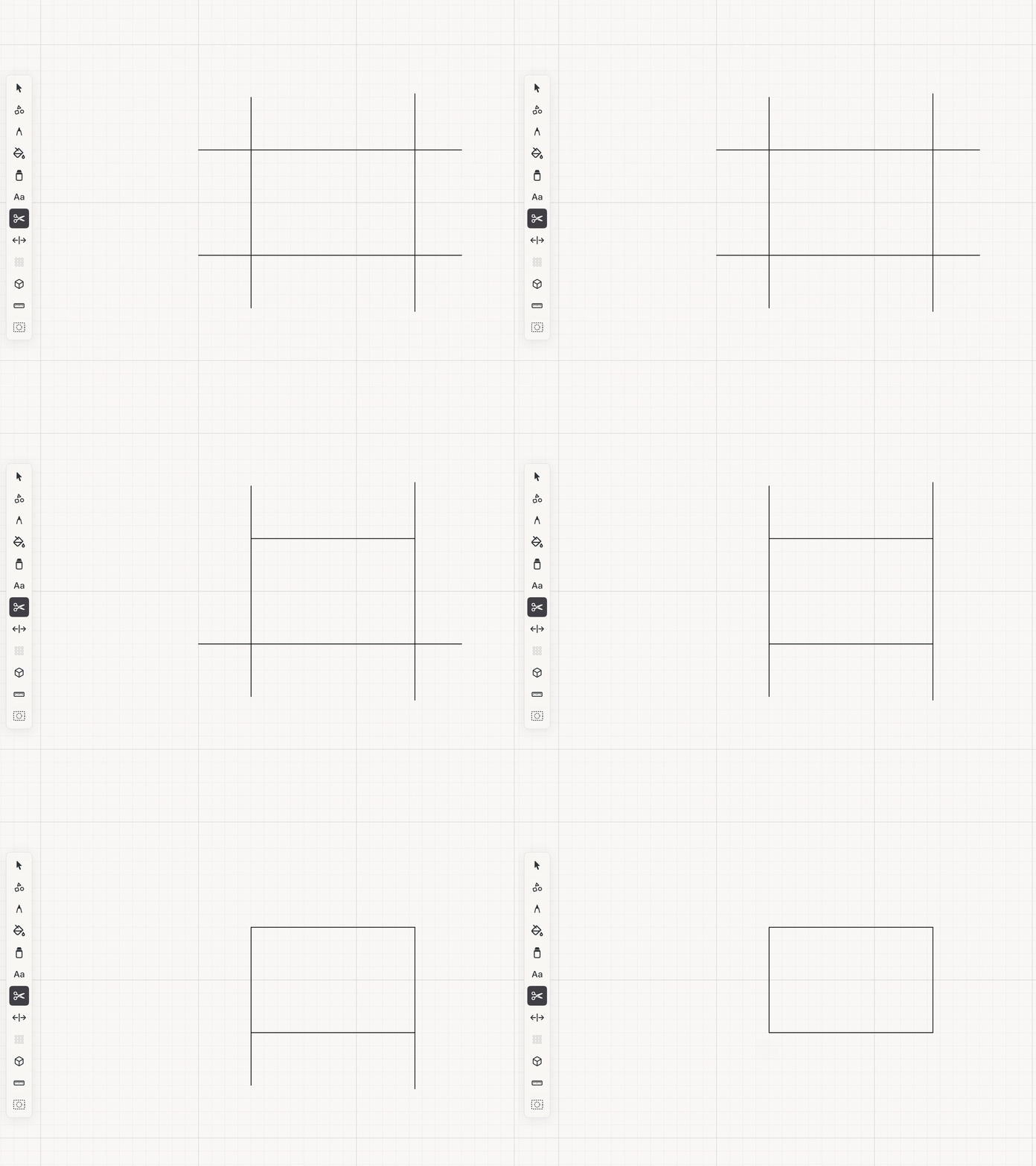
Remove a line section up to the nearest intersections.
Trim turns intersecting construction lines into finished outlines without forcing you to redraw them.
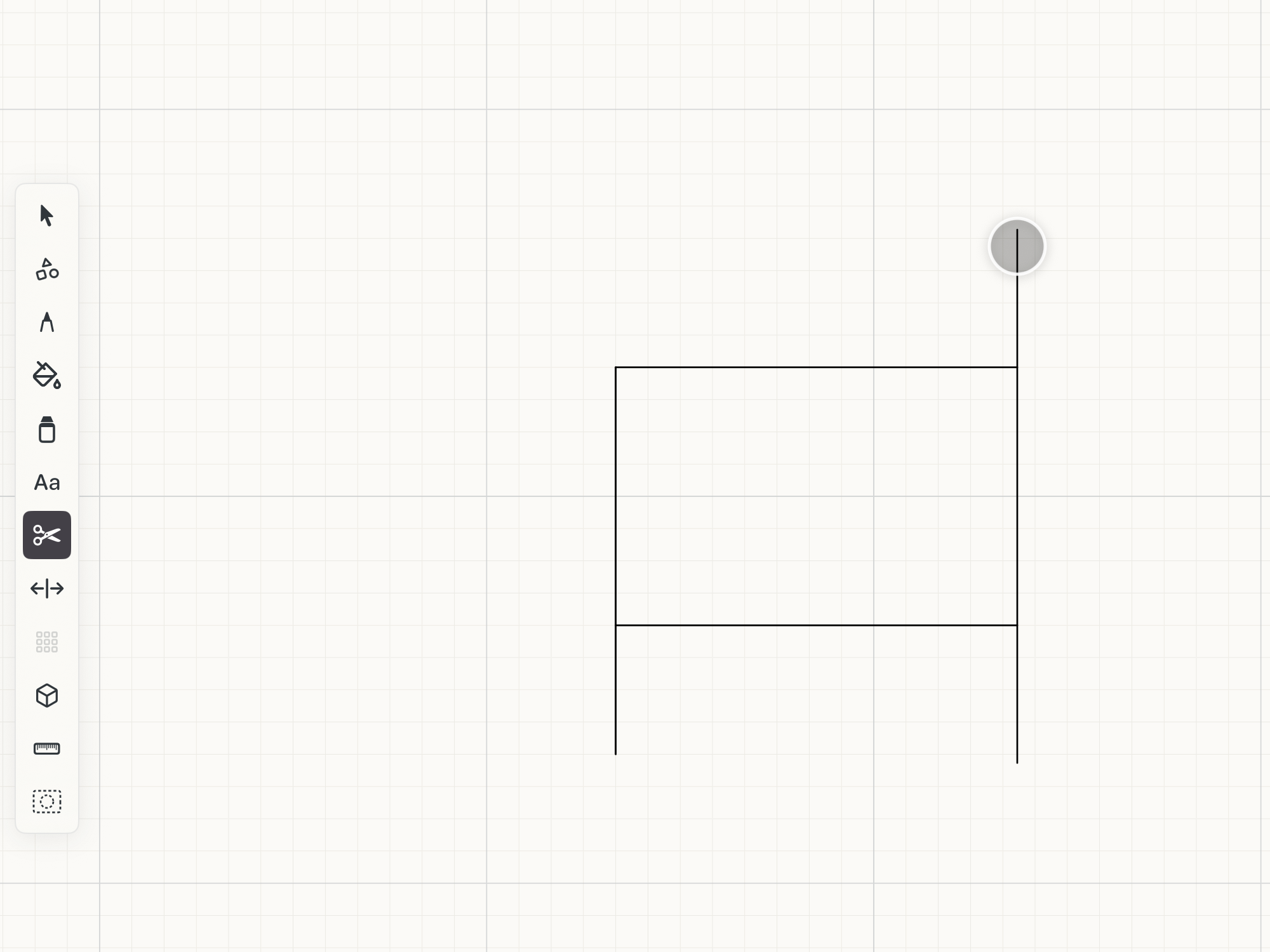 Trim on the canvas
How to use
- Choose Trim and tap the portion of a drawing line you want to remove.
- If the tap lies beyond the last intersection, Space trims the line back to that intersection.
- If the tap lies between two intersections, only the enclosed middle section is removed.
See it in use
Tips
- Use Trim to clean up overlapping construction lines after the main geometry is in place.
- Zoom in when several intersections are close together so you remove the intended section.
- Undo immediately if Space trims to a different intersection than you expected.