Measure
Show real distances and clearances so a drawing can be checked or built accurately.
Measurements are editable objects with their own layers. Space formats feet, inches, fractions, and metric values for drawings and plan sheets.
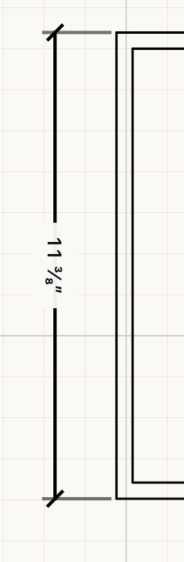 Measurement on the canvas
How to use
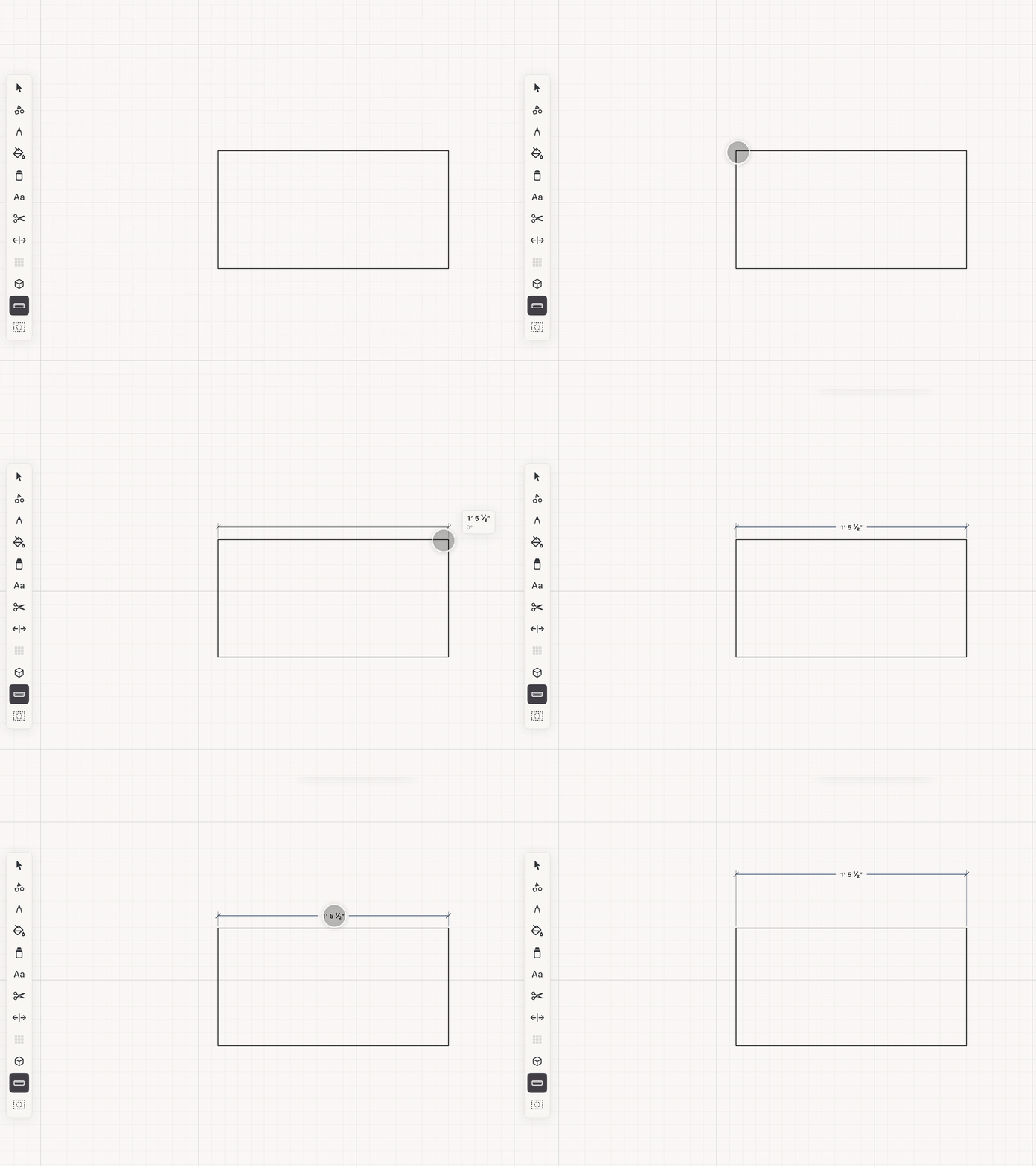
- Choose Measure and drag between two points. Nearby endpoints and corners are favored automatically.
- Near-horizontal, vertical, and 45-degree gestures are constrained to remove accidental angle error.
- With Select or Measure active, drag a geometry label away from its source to create a parallel architectural dimension line.
- Tap a dimension label to open the precision keypad and enter units or an expression such as 4ft-3in.
See it in use
Tips
- Pull a dimension away from crowded geometry so the drawing remains easy to read.
- Measure between existing corners to check clearances before adding a permanent dimension.
- Type a unit expression such as 4ft-3in when matching a field measurement.