Field Notes
Space on iPhone, free: a pocket notebook for photographing real things, scaling them from one known length, and marking up sizes.
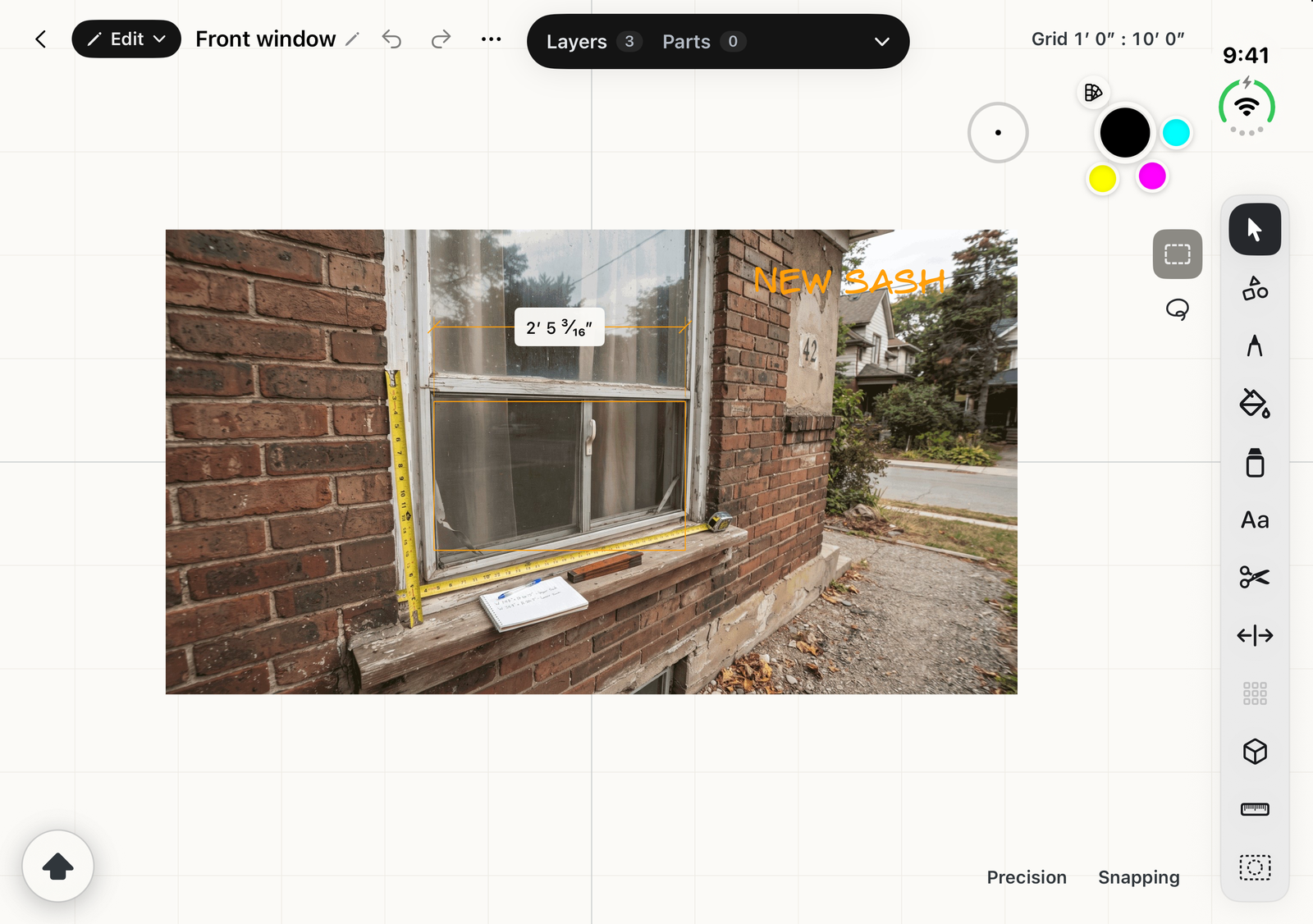
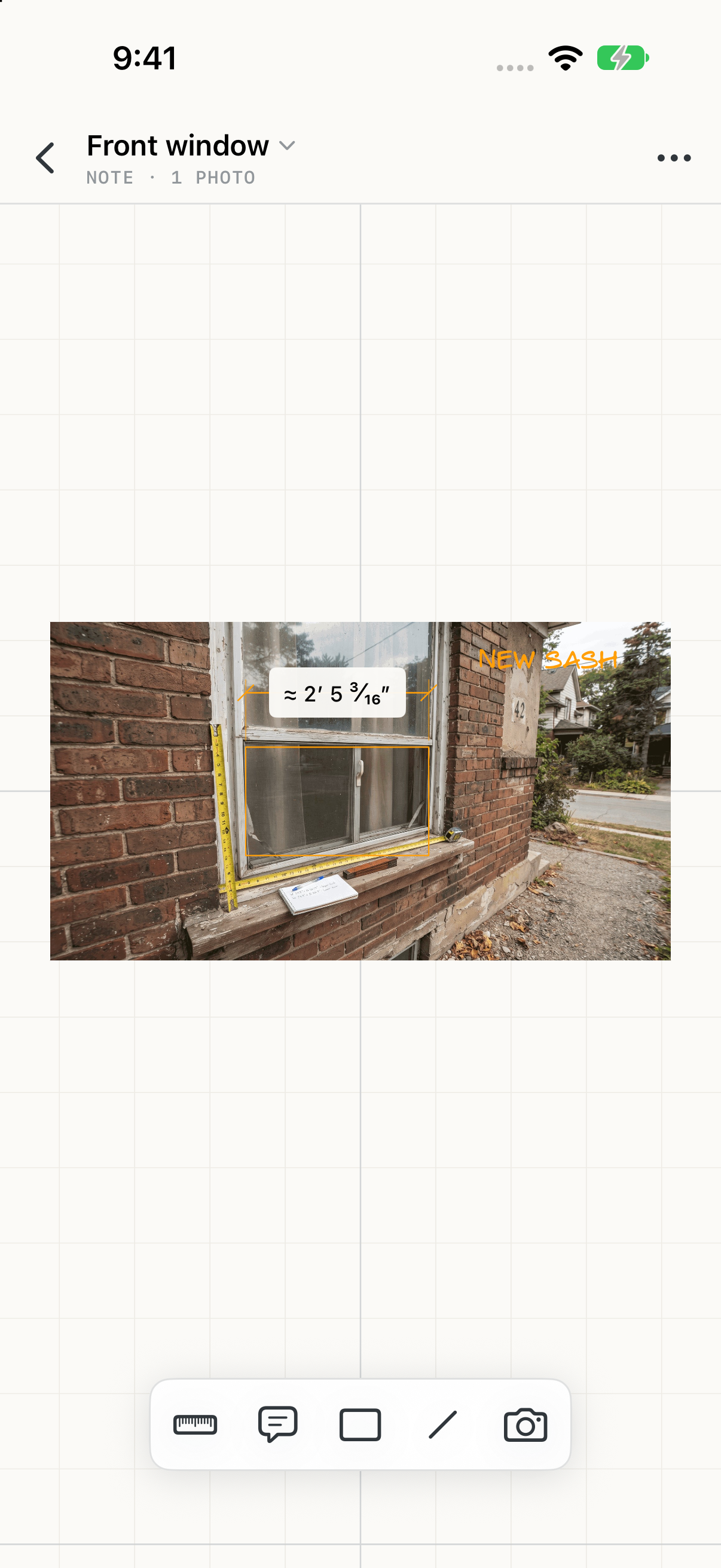
On iPhone, Space is Field Notes: a pocket notebook for real places and things. Photograph the window, the wall or the old cabinet, mark one length you know, and every other size in the photo follows from it. Box out an opening, note the trim and the gaps, and read the sizes as you go.
Field Notes is free. Nothing in it needs a purchase.
How it fits with Space
Every note is an ordinary Space drawing. Capture on the phone, then open the same note on iPad or Mac to draw the whole job properly, with the photo and its scale already in place. Drawings made on iPad or Mac open in Field Notes too, to look at, measure, and try on a wall.
- Notebook: your notes and folders.
- Taking photos: the camera, with a level for square, true photos.
- Setting the scale: one known length makes a photo measurable.
- Measuring and marking up: Measure, Note, Rectangle and Line.
- Viewing drawings: layers and parts from iPad and Mac drawings.
- Place on a wall: see a drawing on the real wall at true size.
Where notes are kept
With iCloud Drive on, notes are kept in iCloud Drive › Space › Field Notes, where Space on iPad and Mac can open them. Without it, they stay on the iPhone, and each one can be moved to iCloud later from its menu in the notebook.
iPhone Duo
On an iPhone Duo, Space follows the hinge:
- Folded, it's Field Notes, laid out for one hand, with the tools in a column down the side.
- Open, the same note opens in the full Space editor, with layers, parts, live dimensions and every drawing tool. The full editor is free to try for 14 days, then one purchase unlocks it on iPad, Mac and the open Duo.