Viewing drawings
Open drawings from iPad and Mac on iPhone to look, measure, check the parts list, and switch layers.
Drawings made in Space on iPad or Mac open in Field Notes too. They open for looking first, so nothing changes by accident while you pan around.
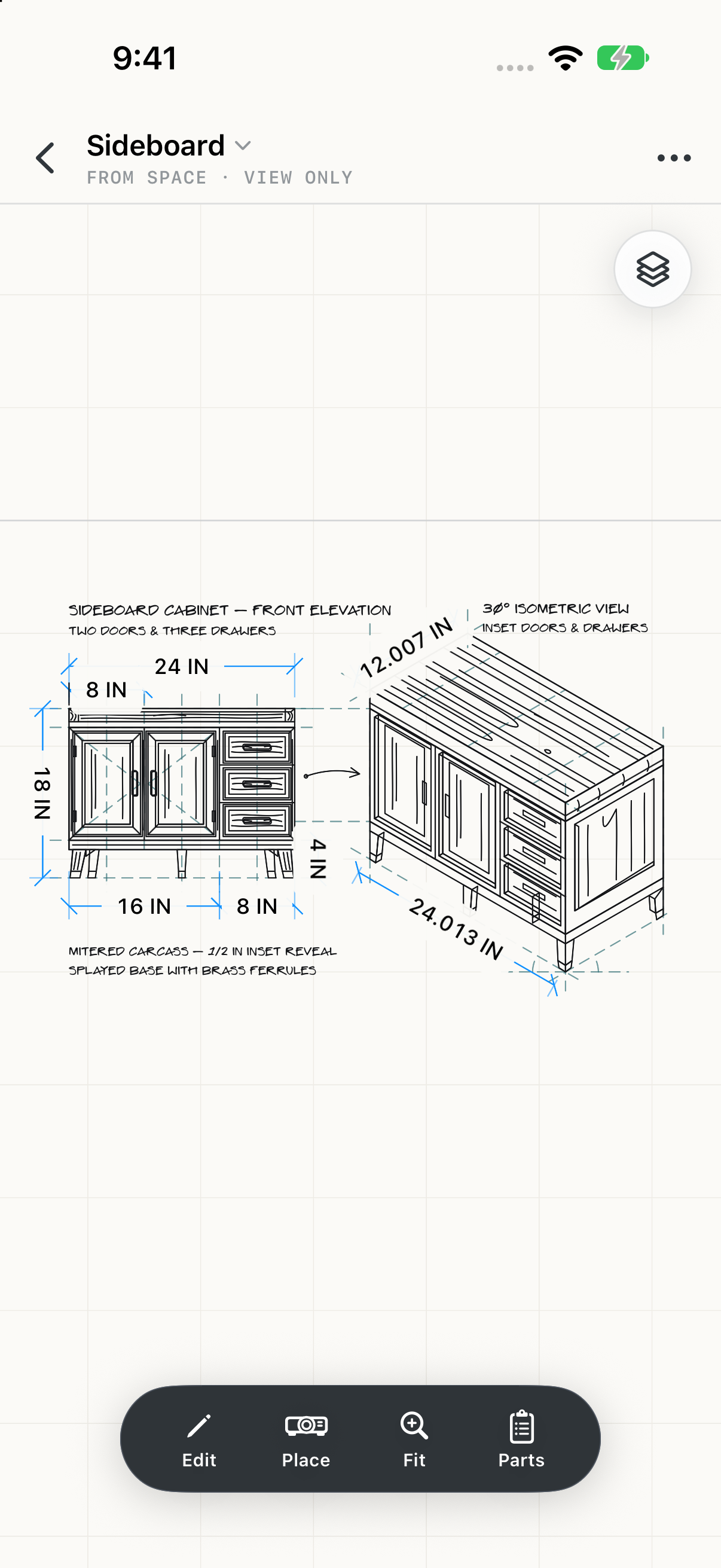
Edit
Switches to the tool strip to mark the drawing up. Tap Done to go back to looking.
Place
Shows the drawing on a real wall at true size. See Place on a wall.
Fit
Fits the whole drawing to the screen.
Parts
The drawing's parts list, as set up on iPad or Mac.
Layers and parts
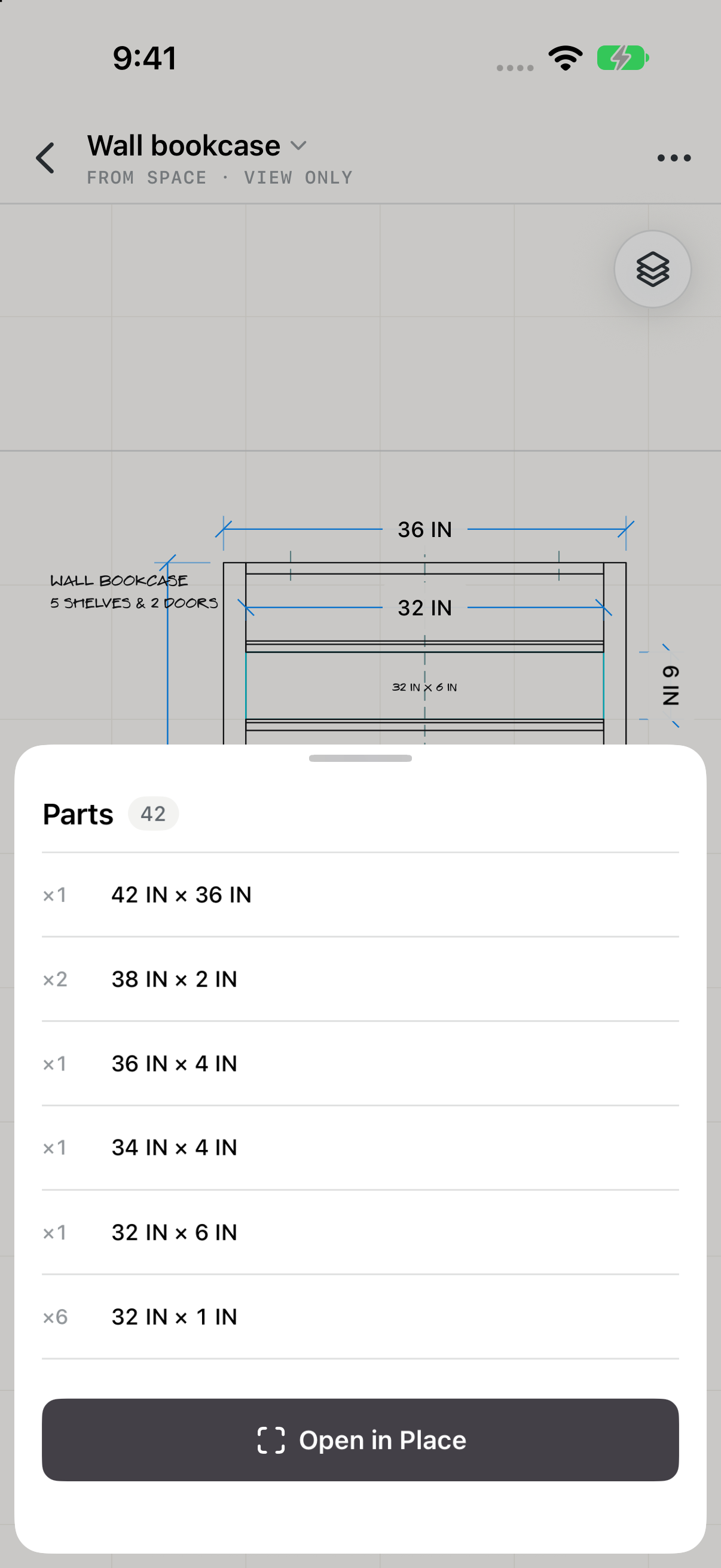
A drawing with more than one layer has a Layers button at the top right; open it to show and hide layers. Parts lists what to cut, with sizes and quantities. A drawing with no parts list says so: add one in Space on iPad or Mac.