Plan and export
Lay out drawings on scaled sheets for printing, sharing, or fabrication.
Use Plan to arrange one or more views of the drawing on paper. Changes made in Edit remain visible in the placed views, so sheets do not need to be rebuilt.
How to use
- Select source geometry in Edit and choose Send to Plan, or use Add Selection in Plan.
- Pick a paper size and orientation, then position and scale each live viewport independently.
- Choose whether the viewport shows measurements, references, guides, and individual layers.
- Use Export to create PDF or SVG, or send the complete sheet set to Print.
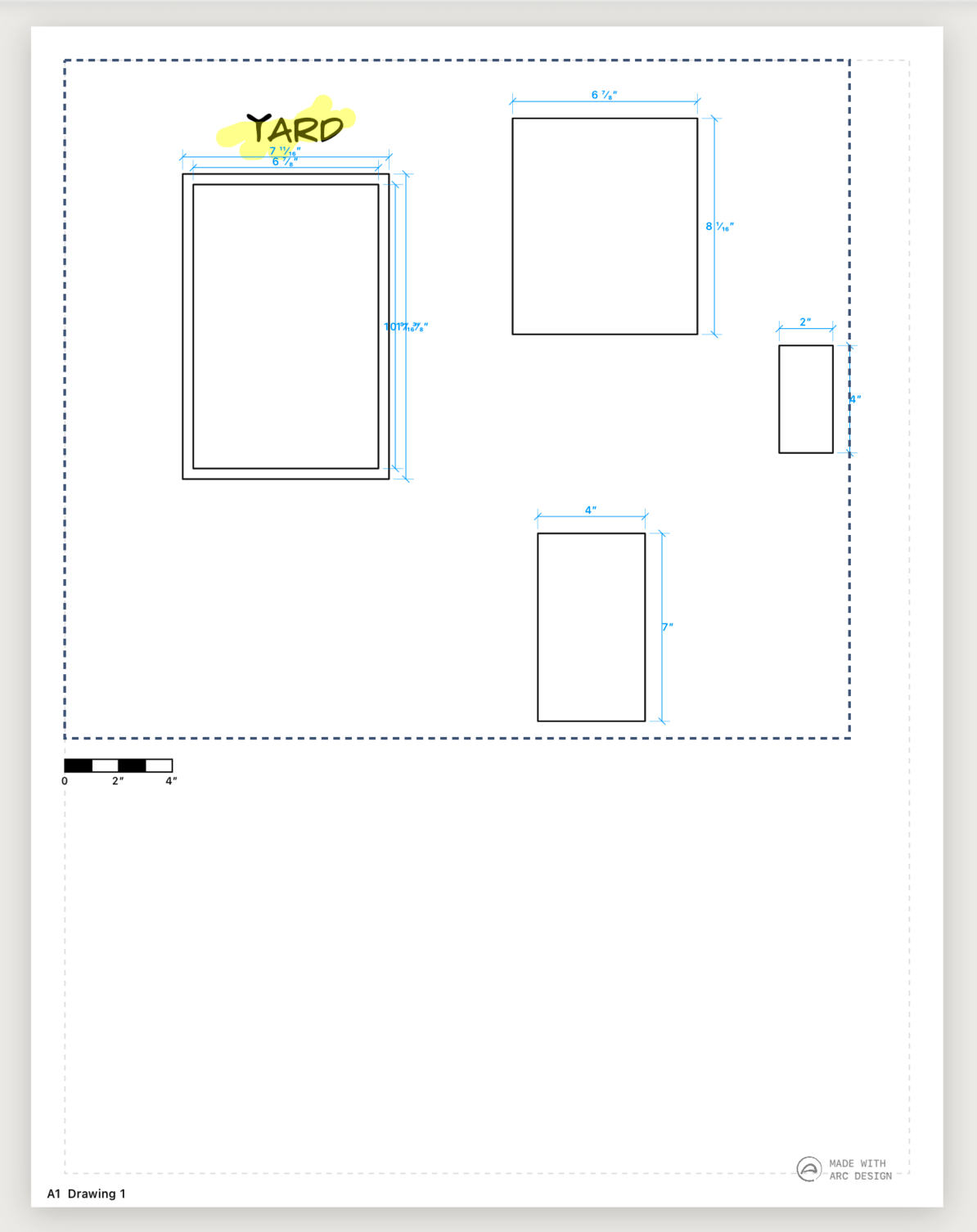 Sheet scale and layout
Tips
- Use different view scales to show an overall plan and detailed areas on the same sheet.
- Hide references or guide layers in a viewport when they are useful while drawing but not needed on the final sheet.
- Print at 100% rather than Fit to Page when the physical drawing scale matters.