Move
Displace a selection by a stated amount, or to a measured distance from another edge.
Move places a selection using exact values. Open it from the Quick tools bar after selecting an object or group.
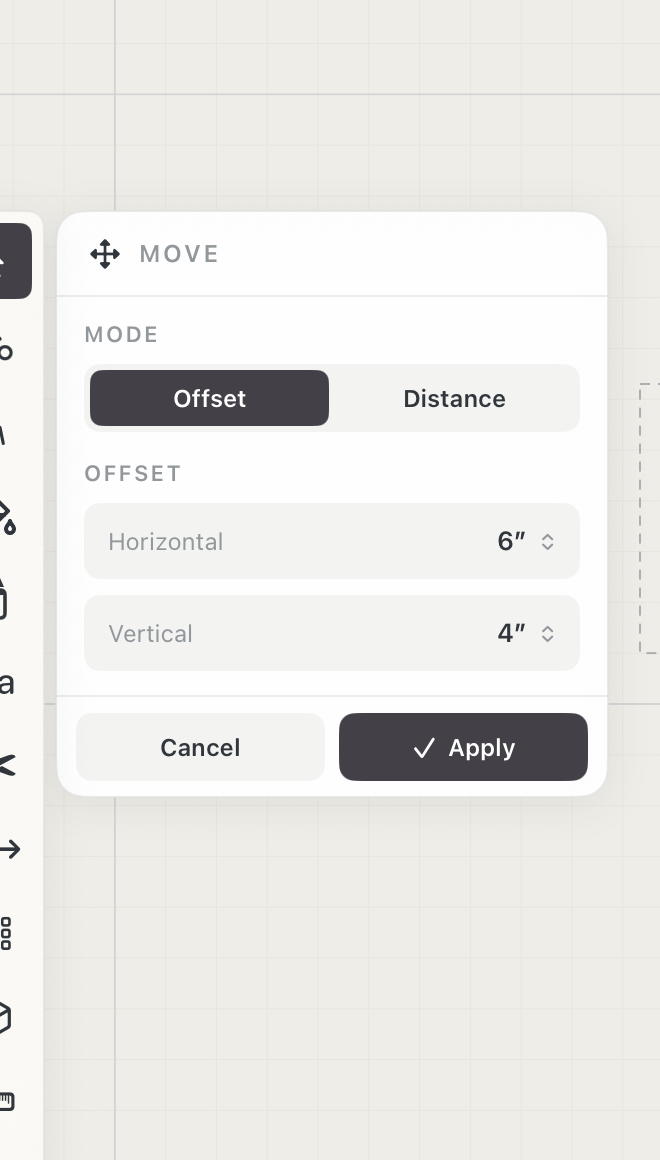 Move by offset
How to use
- Select the object or group, then choose Move from the selection actions.
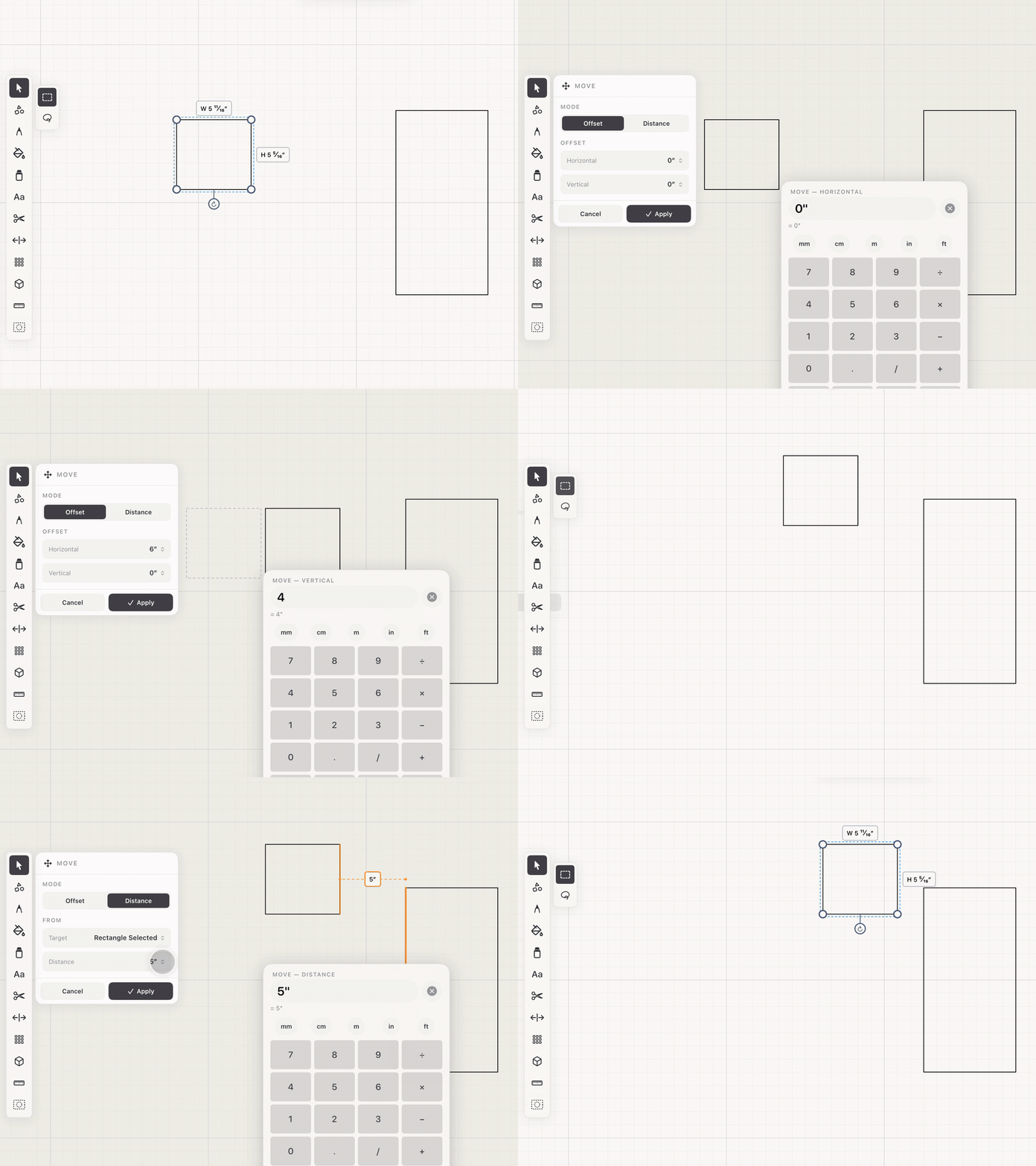
- In Offset mode, enter horizontal and vertical amounts. The selection moves by exactly that much.
- In Distance mode, tap an edge elsewhere in the drawing to measure from. The edge highlights so it is clear which one is driving the result.
- Enter the distance the selection should sit from that edge, and it moves to land exactly there.
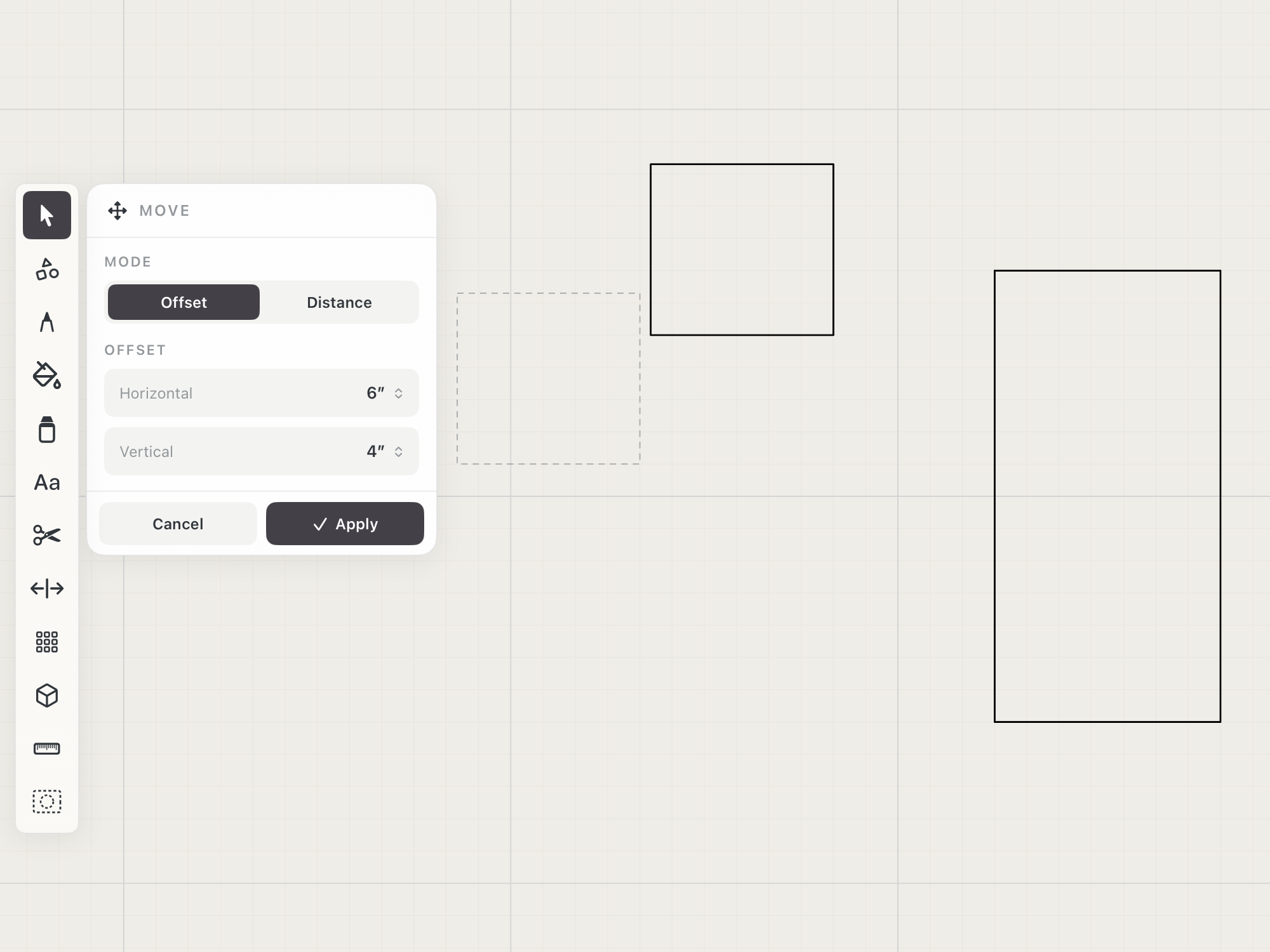 Offset preview
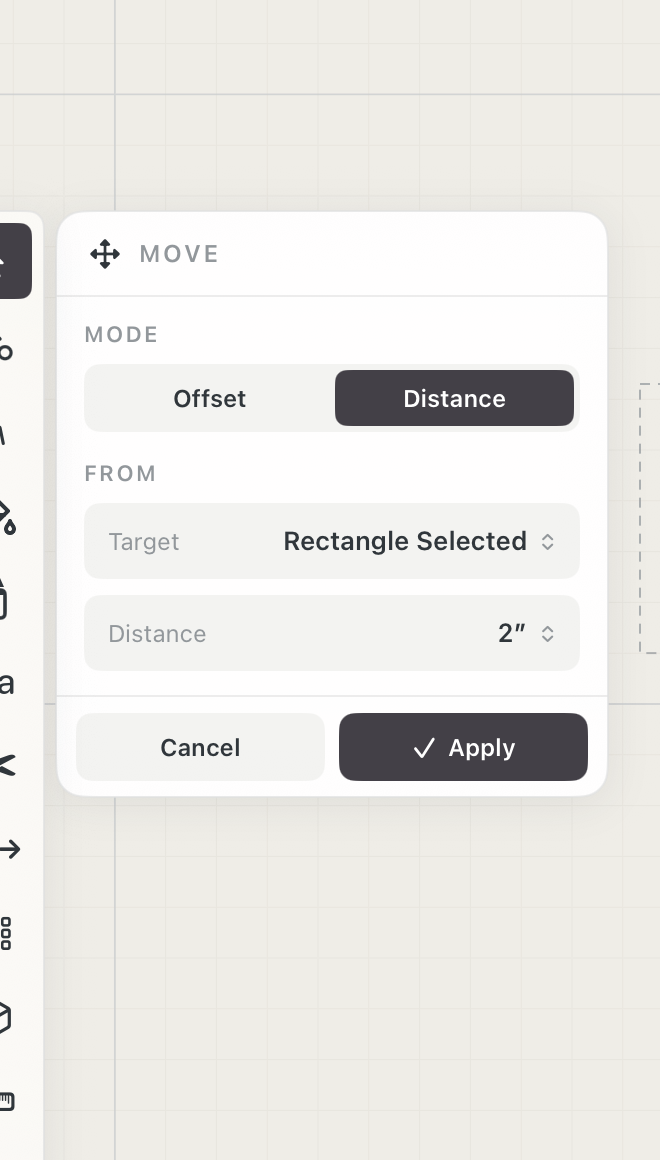 Move by distance
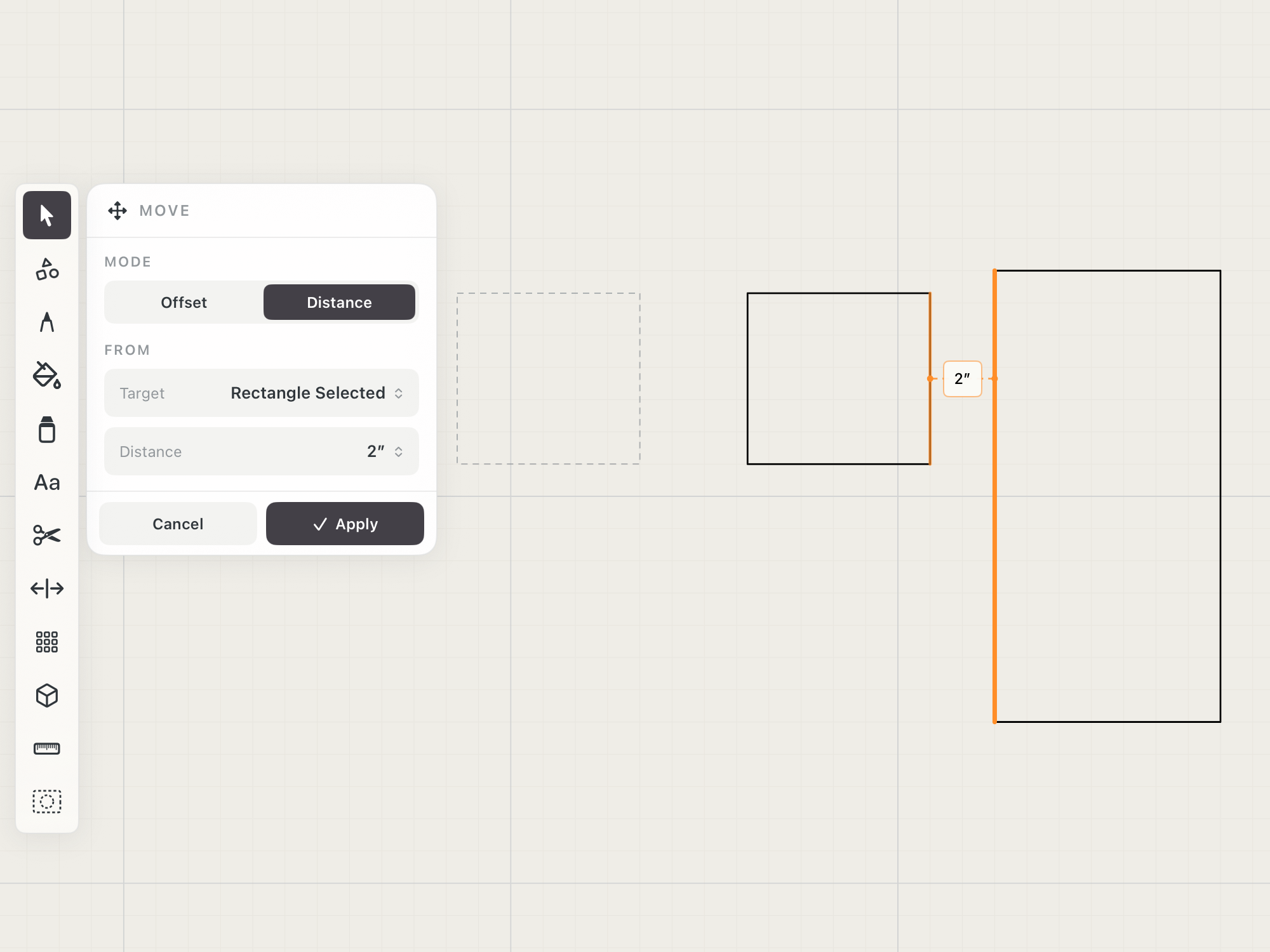 Distance reference on the canvas
See it in use
Tips
- Use Offset mode when you know how far the object should move from its current position.
- Use Distance mode to set a required clearance from a wall, edge, or reference line.
- Enter unit expressions such as 4ft-3in instead of converting them first.